Download Versus Screenshot
A finished wedding gallery contains the photographs in the form prepared for final delivery. The images viewed in the browser are previews of those files, sized for the gallery interface and quick loading. When a photograph needs to leave the gallery, the download preserves the delivered file. A screenshot takes a different route, capturing only the version displayed on the screen.
That difference becomes apparent when the image moves from screen viewing into print, album design, or another larger format. A screenshot carries the dimensions of the screen preview, so enlarging it can reduce edge definition and fine detail. The full-resolution download retains the resolution prepared by the photographer and remains suitable for the range of uses intended for the delivered gallery.
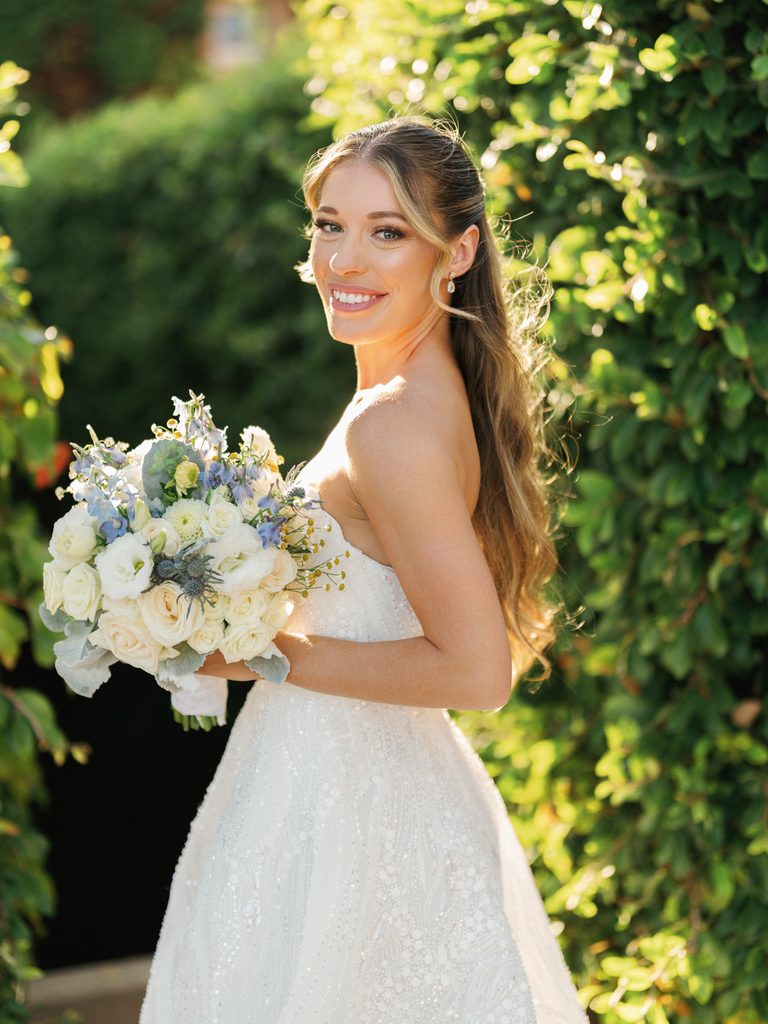
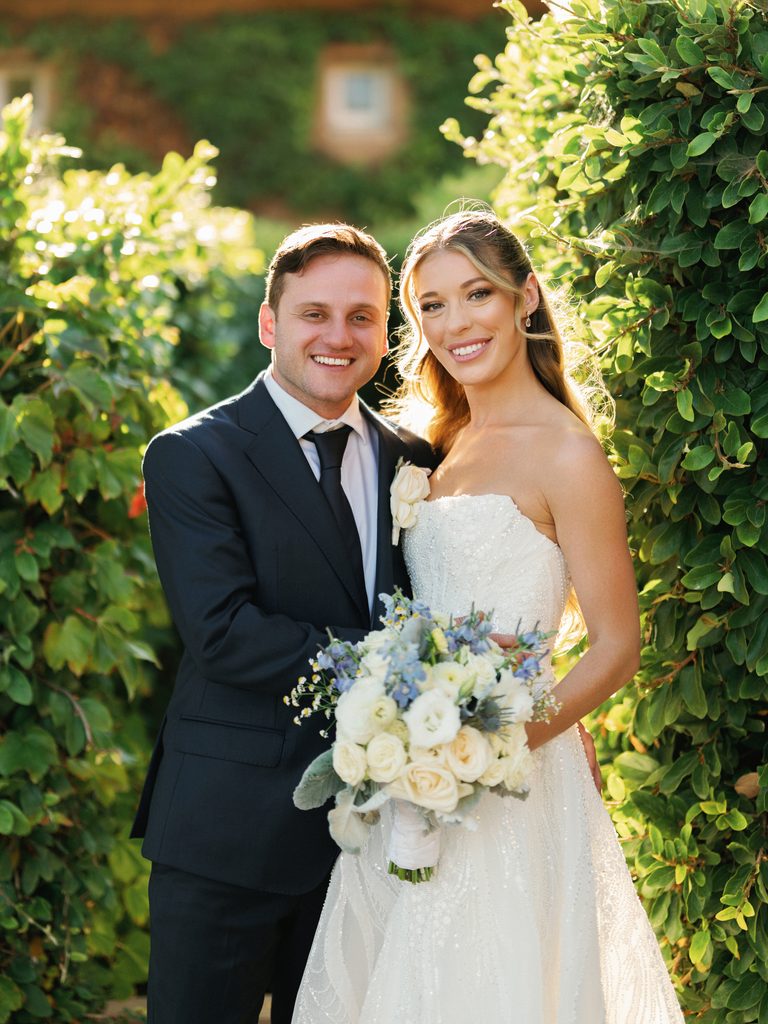
The original download also provides a reliable source for later sharing. The file can be stored, forwarded, printed, or sent to a vendor at its delivered resolution, keeping each subsequent copy tied to the final gallery. A screenshot starts a separate file with different dimensions and file information, so using the downloaded photograph as the source keeps the original quality intact through further sharing.
Expert Note
A gallery’s download function and a browser’s save-image function can produce different files. The gallery download retrieves the delivered photograph, whereas a browser may save the smaller preview displayed on the page. For photographs intended for printing or professional use, the gallery’s designated download option is the appropriate source.
Common Compression Paths
A wedding photograph can lose resolution at several points after it leaves the final gallery. Sending it as an image through a messaging service is one common path: the platform may resize or compress the file before it reaches the recipient. Email attachments can involve similar processing, depending on the provider and the way the photograph is attached. Uploading a photograph directly to a social platform introduces another version of the file, with the platform processing the image for its own display format.
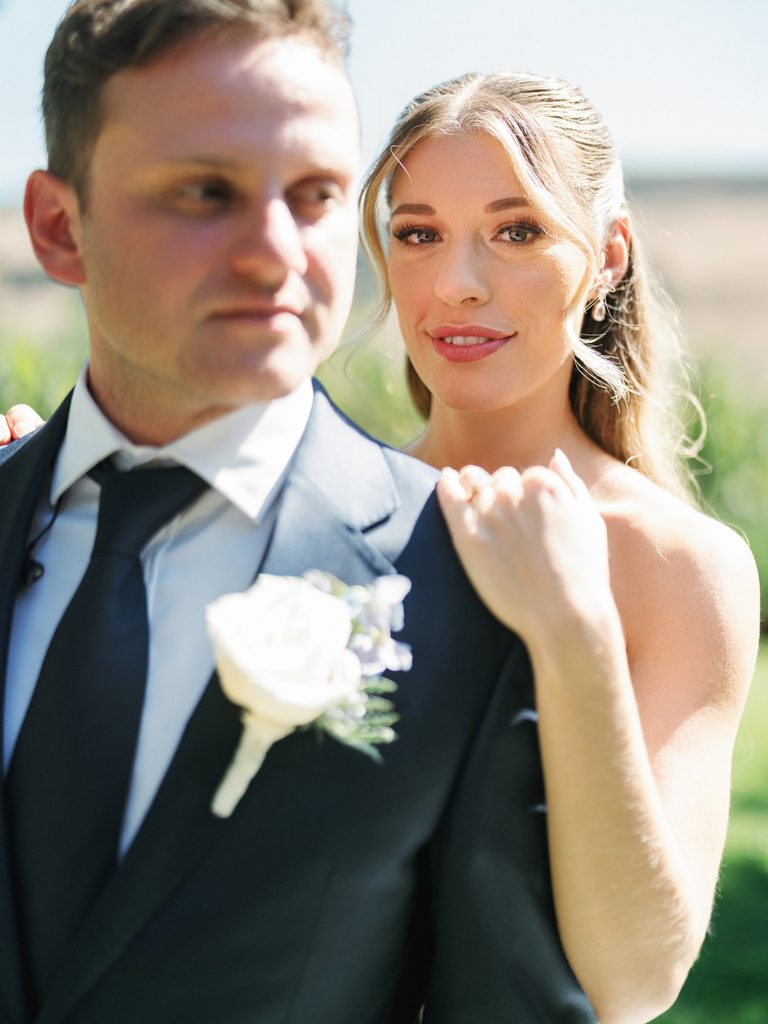
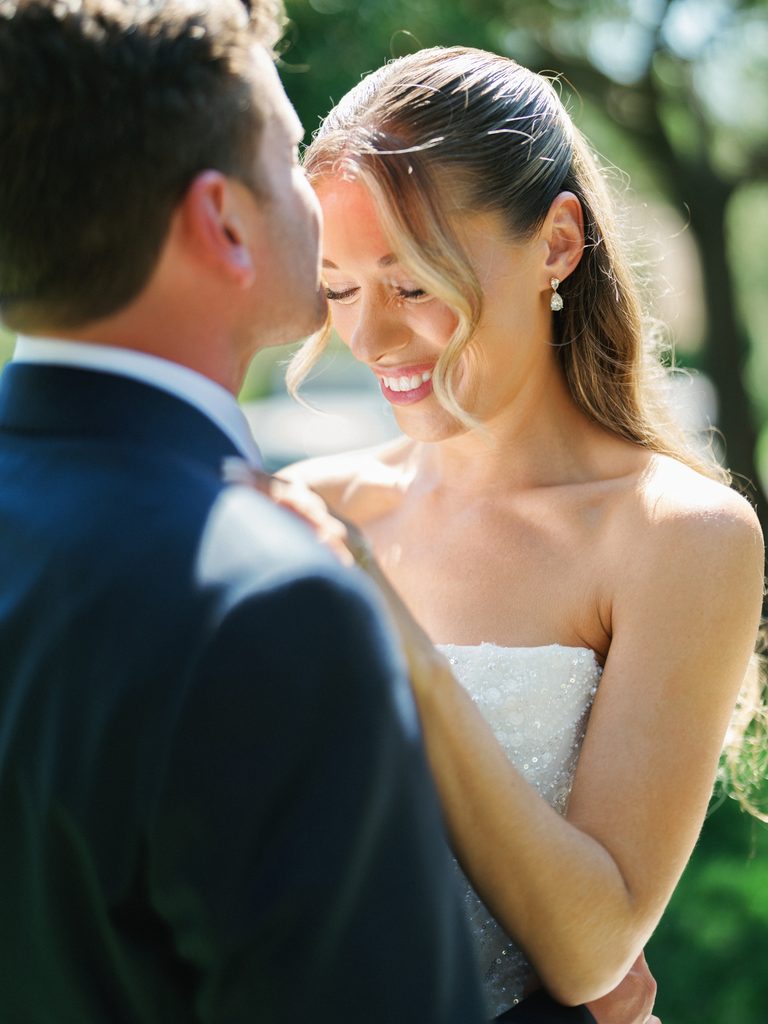
A gallery link or file-sharing service follows a different path. The recipient opens the link and downloads the delivered photograph from its original source, so the file does not pass through the image-compression process used for an ordinary message or social-media upload. Some messaging services also offer higher-quality image settings or allow photographs to be sent as files, with the available options varying between platforms.
Expert Note
Some messaging services offer separate options for sending photographs at higher quality or as files. These settings can preserve more of the original resolution, but their names and behavior vary between platforms. When a photograph needs to remain suitable for printing or album design, checking the available sending options can prevent an unnecessary reduction in quality.
Gallery Permissions Worth Understanding
A delivered gallery can include several access settings, and each one controls a different part of the sharing process. Depending on the platform, the gallery may use a public or private link, password protection, separate download permissions, and a defined hosting period. These settings determine who can reach the photographs and who can retrieve the full-resolution files.
A public link provides simple access for family members and friends, but anyone who receives the address may be able to open the gallery. A private or password-protected gallery places an additional access step around the photographs and keeps the viewing group more defined. The choice depends on who needs to see the images and how broadly the gallery is intended to circulate.
Viewing access and download access can follow different rules within the same gallery. People may be able to see the photographs without having permission to retrieve the full-resolution files, with downloads reserved for selected viewers. The exact controls vary between gallery platforms, so the available settings form part of the delivery details worth reviewing.
The period for which the gallery remains available can also vary between platforms. Some galleries stay online for a defined period, and others offer extended hosting options. This hosting period sits separately from the couple’s own storage of the delivered photographs, since long-term access depends on preserving the files independently.
See Real Weddings in Our Gallery
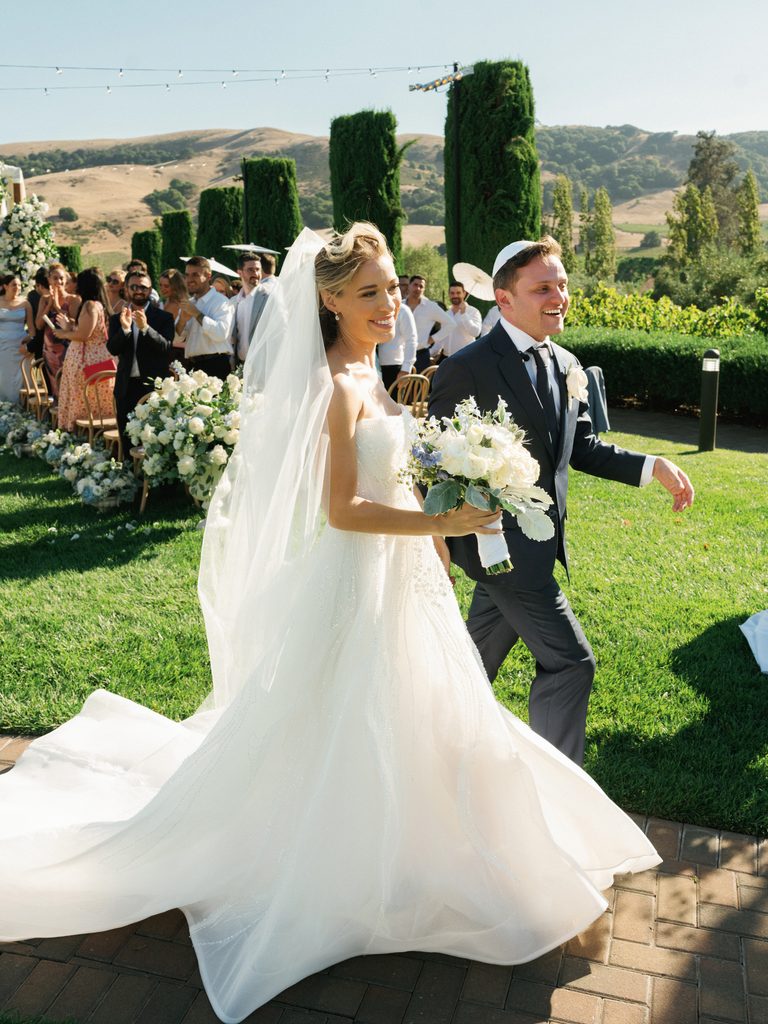
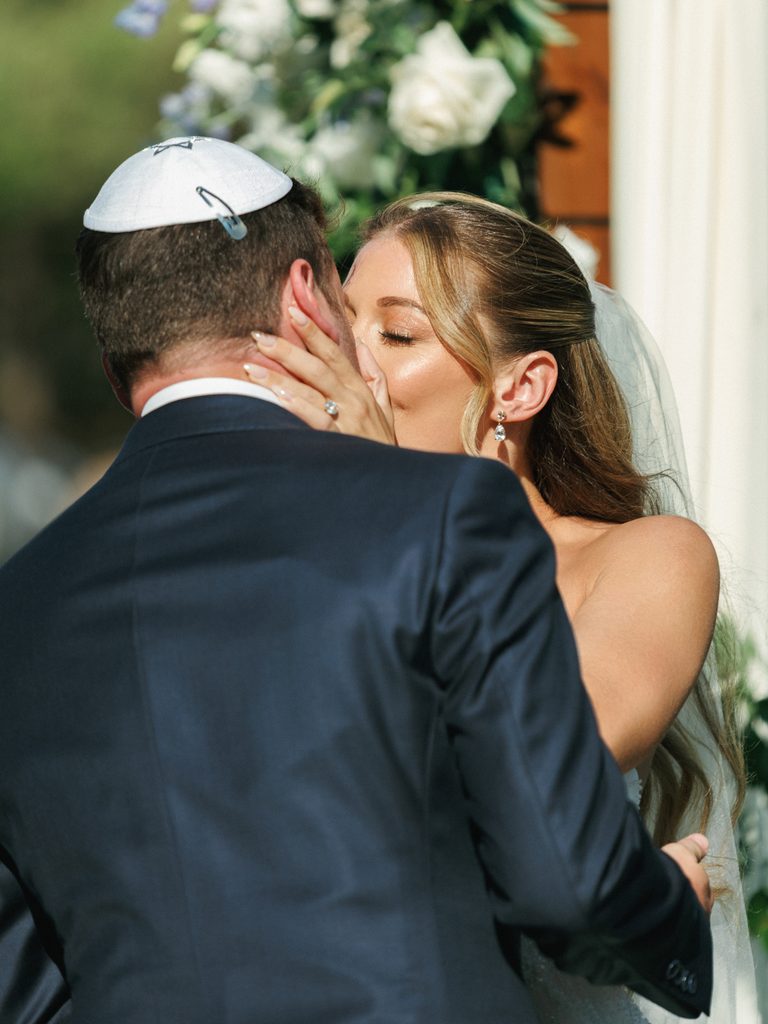
Browse real celebrations photographed and filmed by Dreamwood across locations, cultures, venues, and styles.
Sharing With Family and Vendors
Family members can receive a shared gallery link with viewing and download access, then select the photographs they want to keep or print. The gallery can give guests permission to download photographs without giving them access to delete images, change the gallery, or alter its access settings. The couple can keep the delivered gallery under its original settings as family members retrieve the photographs they want.
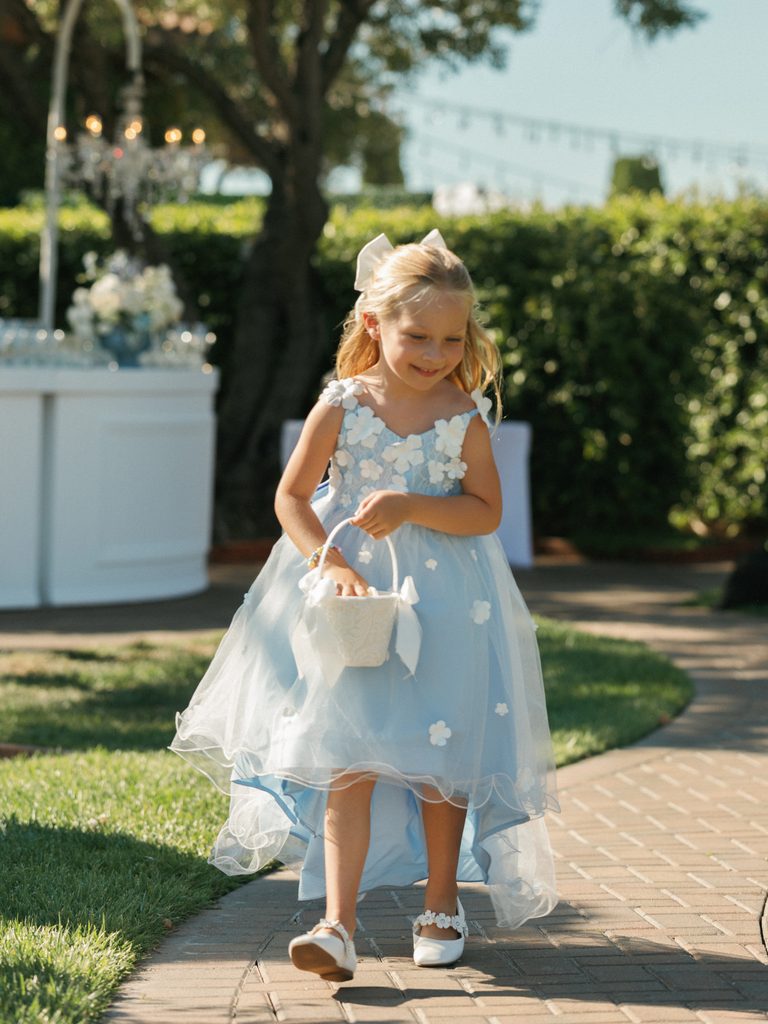
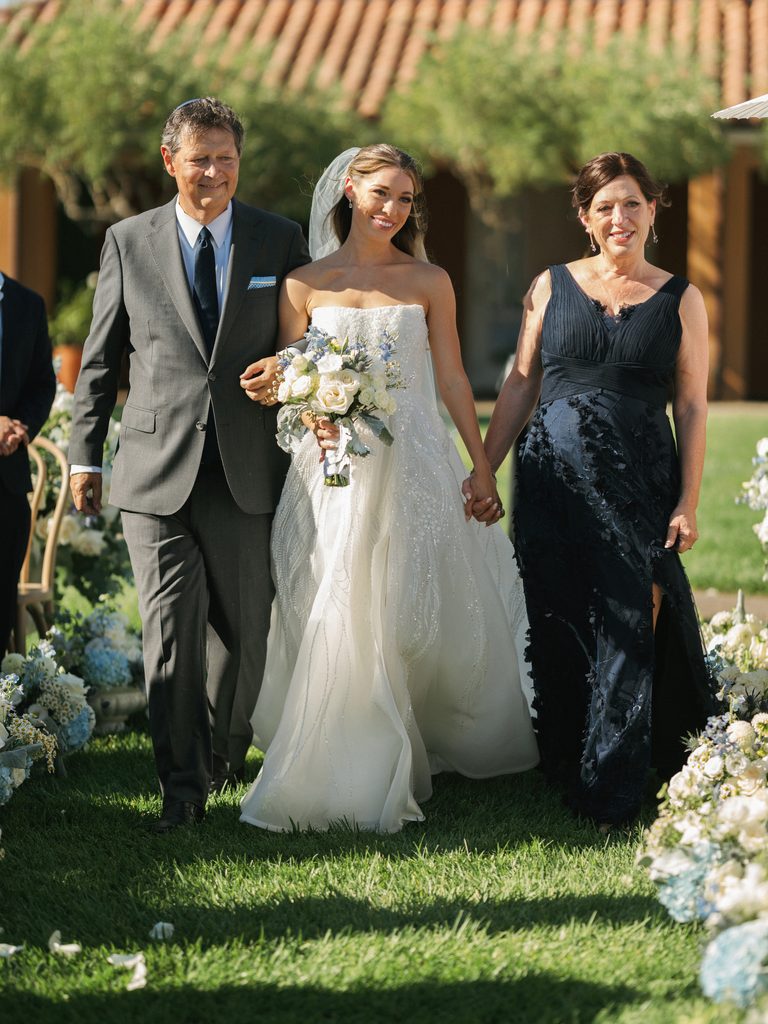
Vendor requests usually involve a smaller, defined selection. A florist, venue, planner, designer, or another wedding professional may need particular photographs for a portfolio, website, social media, or other promotional use. The requested files can be selected and delivered at the resolution required for that use, together with any permission or credit terms that apply.
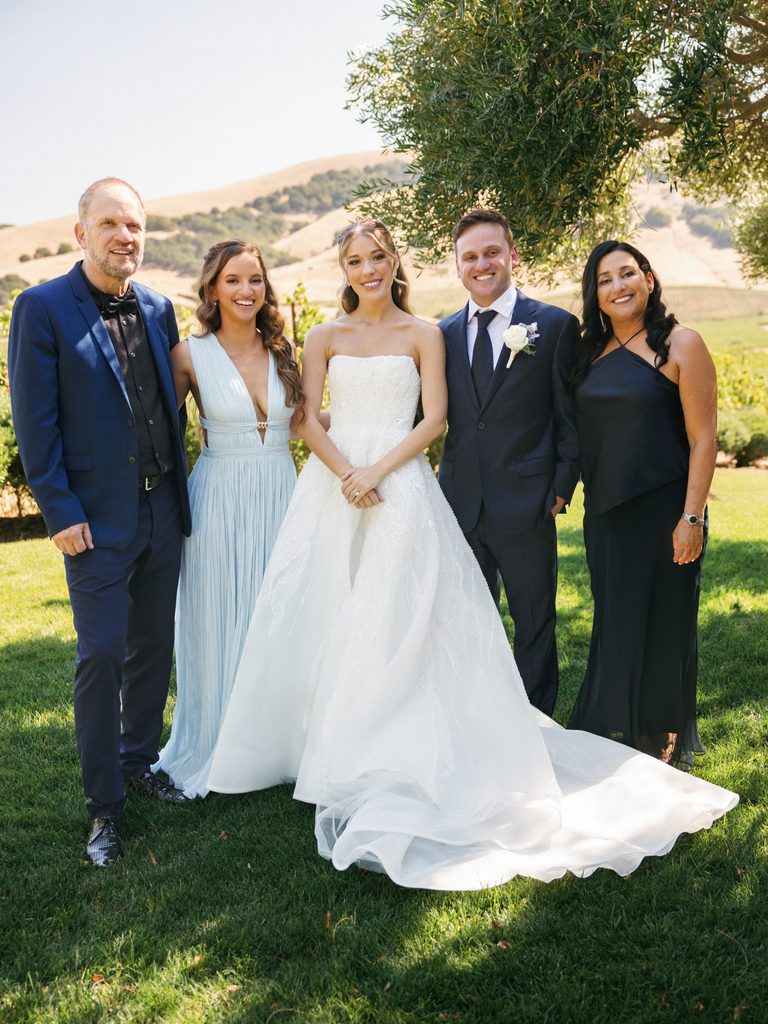
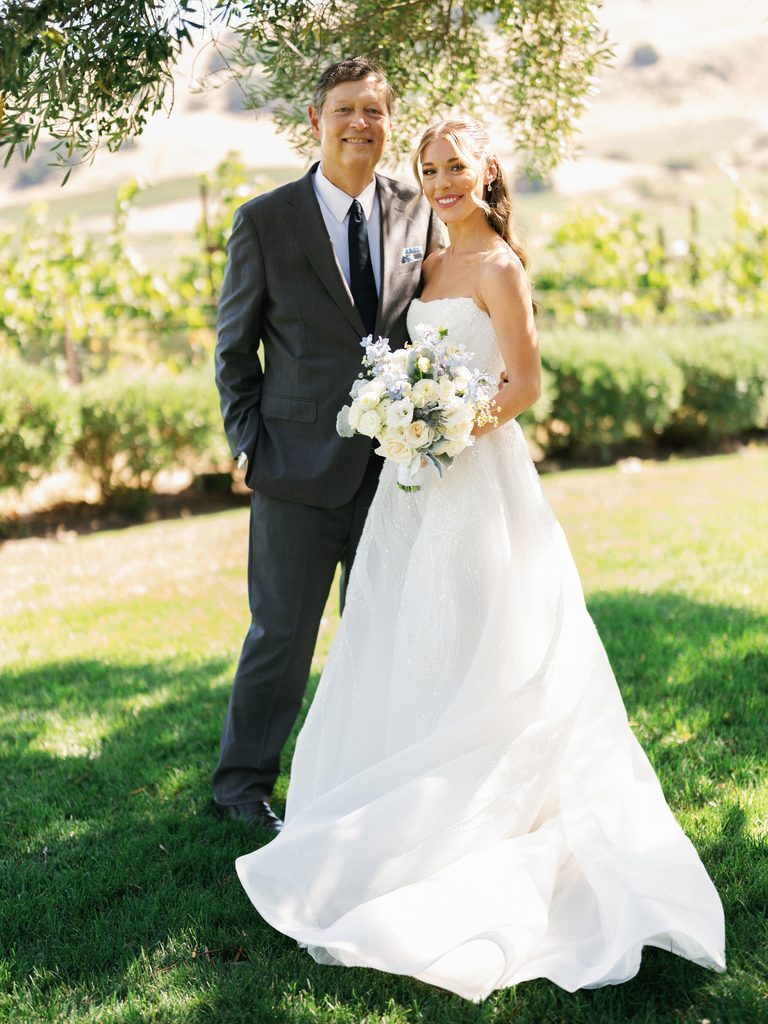
Clear file names can make later crediting and retrieval easier for a vendor’s team, particularly when several photographs are being shared. Any agreed restrictions on publication can accompany the files in the delivery message, keeping the intended use attached to the image set after delivery.
Copyright remains with the photographer or studio according to the applicable agreement, unless the contract states otherwise. Vendor publication may require specific permission or usage terms, which can accompany the selected files so the vendor has clear permission for the intended use before publication.
Privacy Checklist Before Sending a Link Anywhere
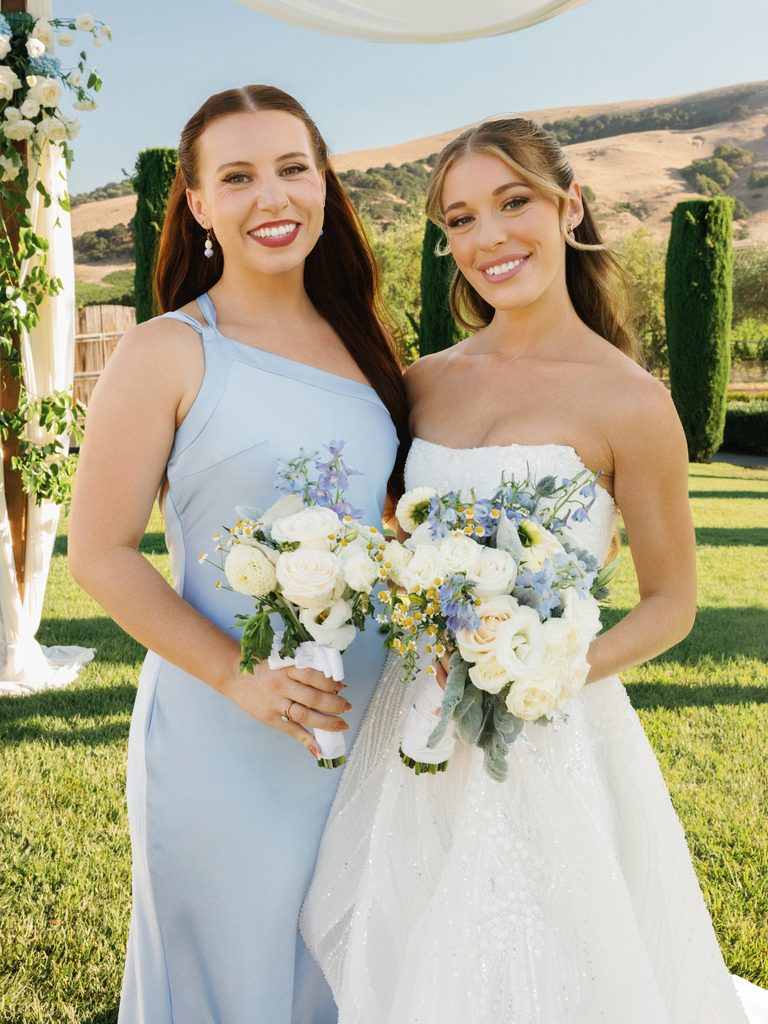
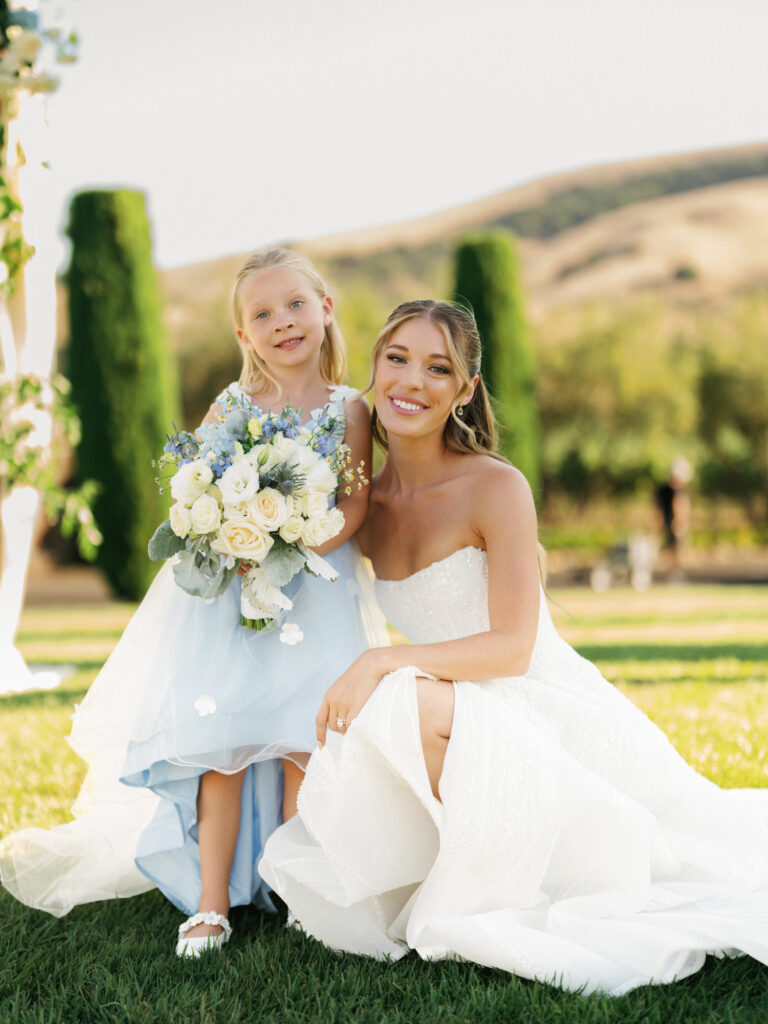
Before a gallery link is shared, the intended recipients should match the access planned for the photographs. Family and close friends may receive the full gallery, while a smaller selection can be appropriate for photographs intended for a limited group. Any password or access details can then be shared only with the people included in that plan.
A private gallery can still circulate beyond the original group if its address or password is forwarded. Keeping track of who has received the link becomes relevant when the gallery contains photographs intended for close family or other limited audiences.
The same review can cover any photographs that carry a different level of privacy from the rest of the gallery. If certain images were intended for a smaller circle, a separate gallery or restricted selection can keep those photographs within the appropriate group.
Archive the Originals First
The delivered gallery can serve as the starting point for every later share, but the full set should first have a separate copy under the couple’s own control. That copy remains the reference set for future printing, vendor requests, family sharing, and any new versions needed later.
Keeping this archive separate from the gallery also means that sharing can happen without putting the delivered files at risk of being misplaced, overwritten, or mixed with reduced copies. The original gallery remains preserved, and every new file or link can come from that source. The simplest sequence is to download the complete delivered gallery, preserve it in the couple’s own storage, and use that archive as the source for later sharing.
FAQ
Does texting a wedding photo reduce its quality?
Often, yes. Many messaging services compress or resize images sent as ordinary photos. The effect may be difficult to notice on a phone and become clearer when the image is enlarged or printed. Sending the photograph as a file, where the service supports it, or sharing the original gallery link can preserve the delivered resolution.
Should a wedding gallery link be public?
Not automatically. A public link can be opened by anyone who receives the address. A private or password-protected gallery places more control around access to personal wedding photographs, with the appropriate setting depending on who needs to view the gallery.
How should vendors receive wedding photo files?
Vendors can receive selected photographs directly at the resolution required for their intended use. Any copyright, credit, or usage terms should accompany the files so the vendor has clear permission for the planned publication.
What is the safest way to share full-resolution files with a large group?
A gallery platform with appropriate download permissions keeps recipients connected to the same delivered files. Each person can download the photographs from the original source instead of receiving copies compressed through messaging services.
Do gallery links expire?
It depends on the delivery platform and the hosting terms attached to the gallery. The hosting period can be confirmed when the gallery is delivered, and the full-resolution files can be stored independently for long-term access.
Can a couple control who downloads the full-resolution photographs?
Some gallery platforms provide separate download permissions or viewer-level access controls. The available options depend on the platform, and viewing access can be separated from permission to download the delivered files.